


Your product name is the first thing buyers see, and it affects search visibility.
Bad Example:
 Solar Panel
Good Example:
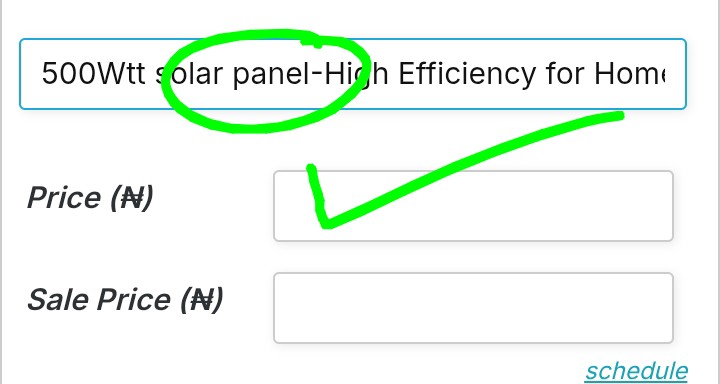
500W Solar Panel Monocrystalline–High Efficiency for Homes & Shops
Selling on Mobystrade is designed to be simple, fast, and mobile-friendly. Follow this step-by-step guide to upload your products and start receiving orders.
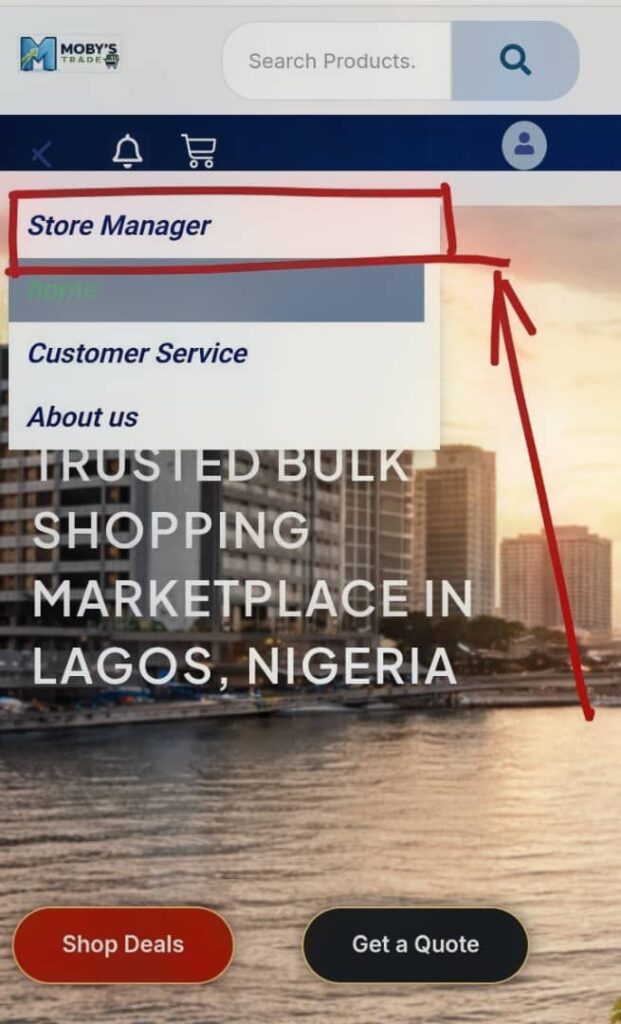
Go to your vendor login page Enter your email and password Click Login
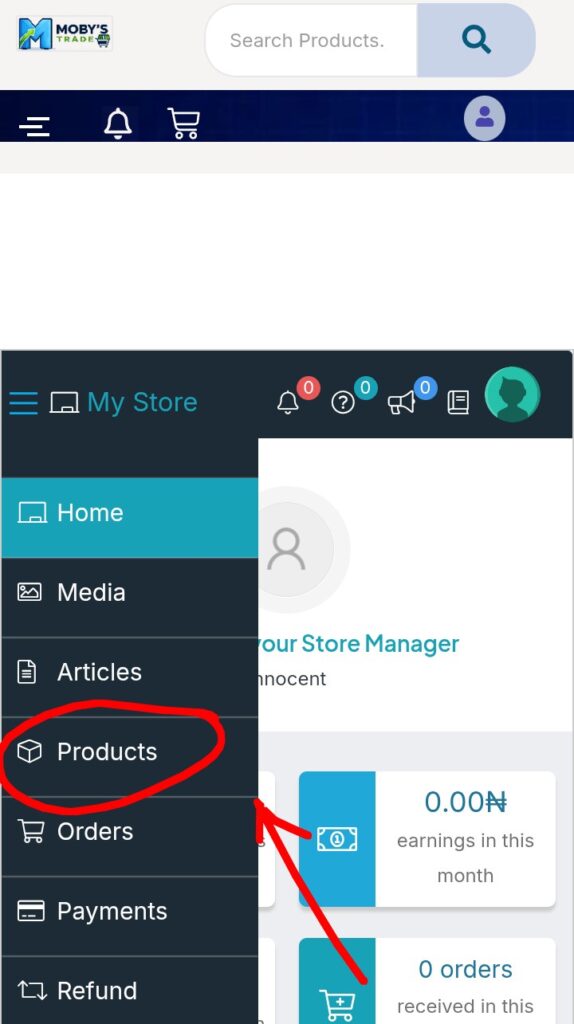
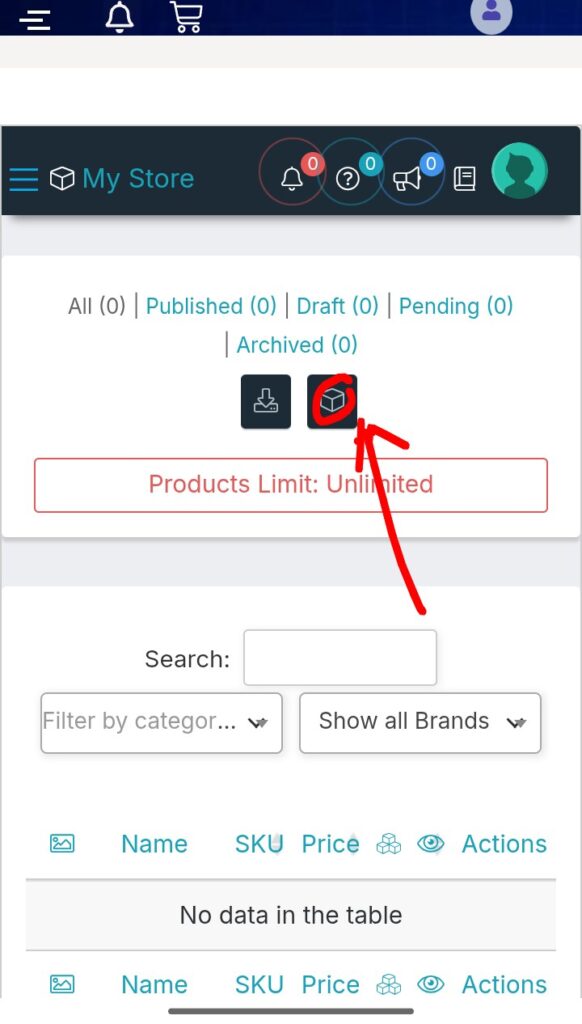
From your dashboard menu:
This opens the product upload pag
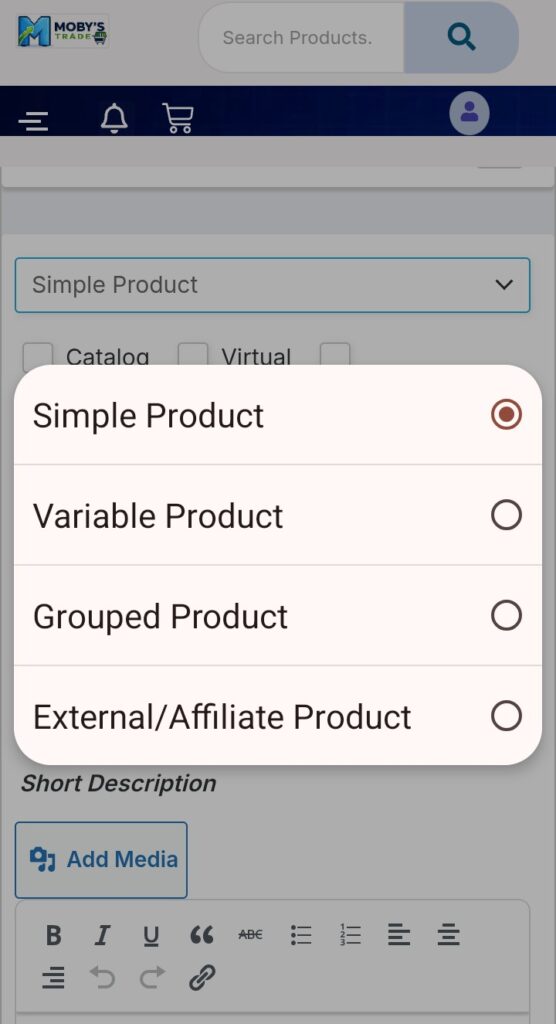
MobysTrade allows different product types:
Single item No variations
Use this for:
Solar panels, Batteries, Inverters, gadgets sneakers, food items etc
Different options (sizes, capacity, colors)
Example:
Your product name is the first thing buyers see, and it affects search visibility.
Solar Panel500W Solar Panel Monocrystalline–High Efficiency for Homes & Shops
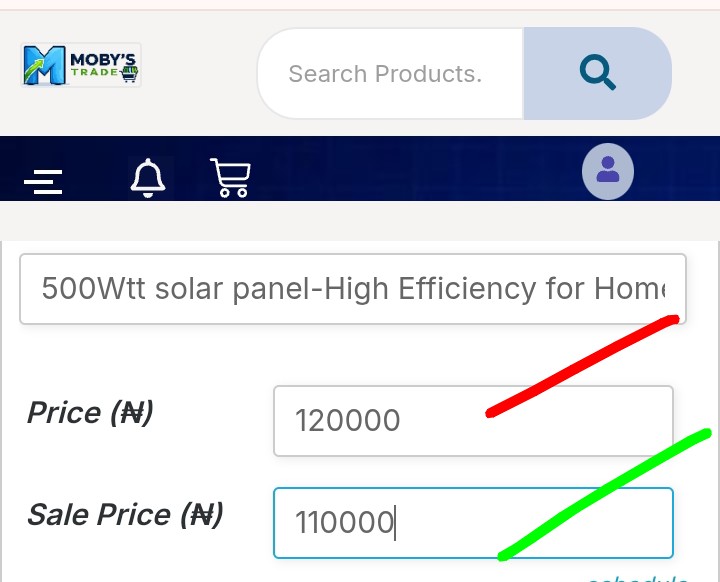
In the pricing section:
Regular Price: ₦120,000,
Sale Price: ₦110,000
Pricing Tips:
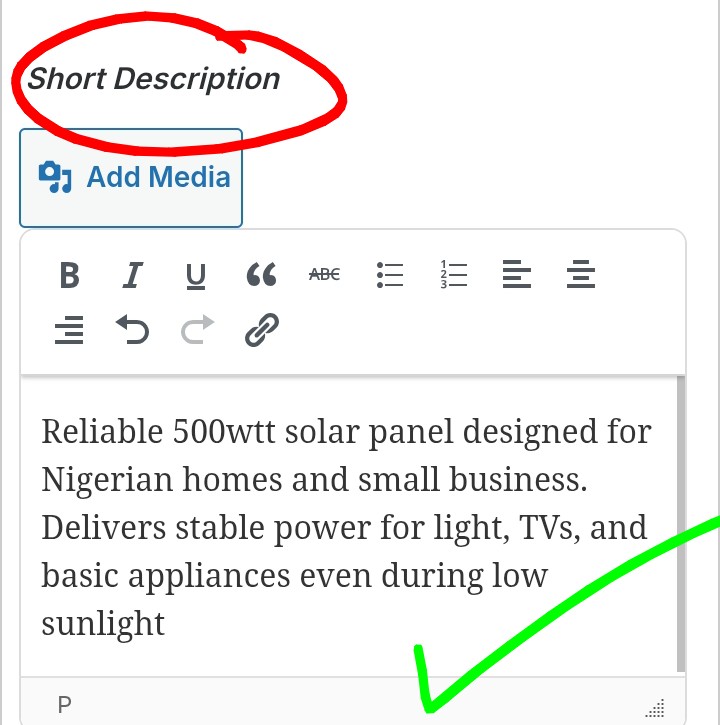
This section has two parts:
This appears near the product image.
Keep it Clear, Benefit-driven, Easy to read
Reliable 500W solar panel designed for Nigerian homes and small businesses. Delivers stable power for lights, TVs, and basic appliances even during low sunlight.
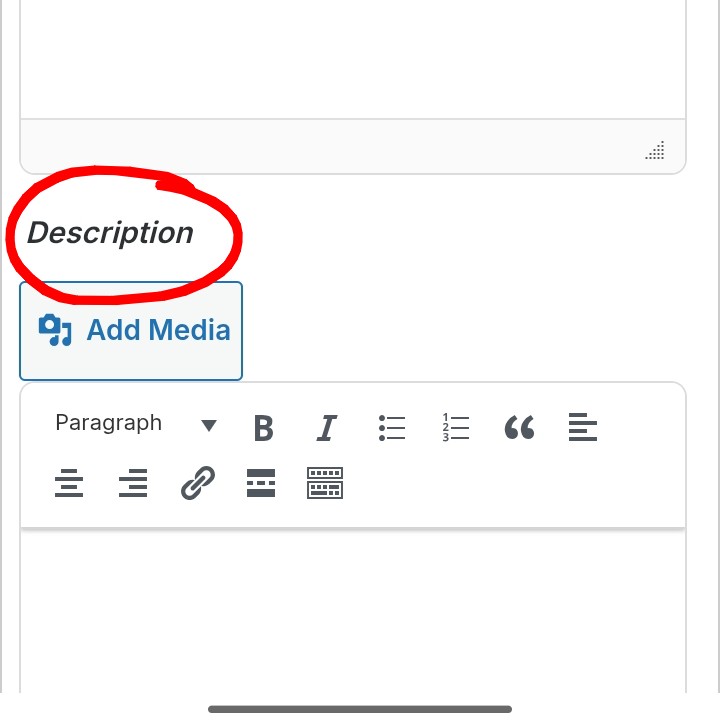
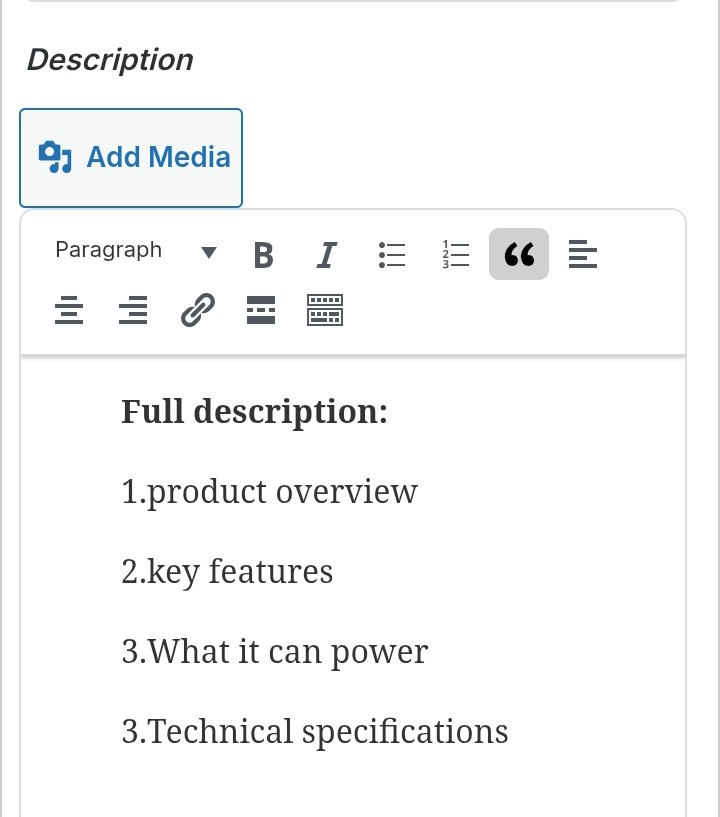
This is where you build trust and answer buyer questions.
1. Product Overview
This 500W monocrystalline solar panel is built for high efficiency and long-term durability in Nigerian weather conditions.
2. Key Features
High energy conversion, efficiency, Strong aluminum, frame Weather-resistant design, Long lifespan (10–25 years)
3. What It Can Power
4. Technical Specifications
5. Ideal For
The goal is: Answer every question before the buyer asks it
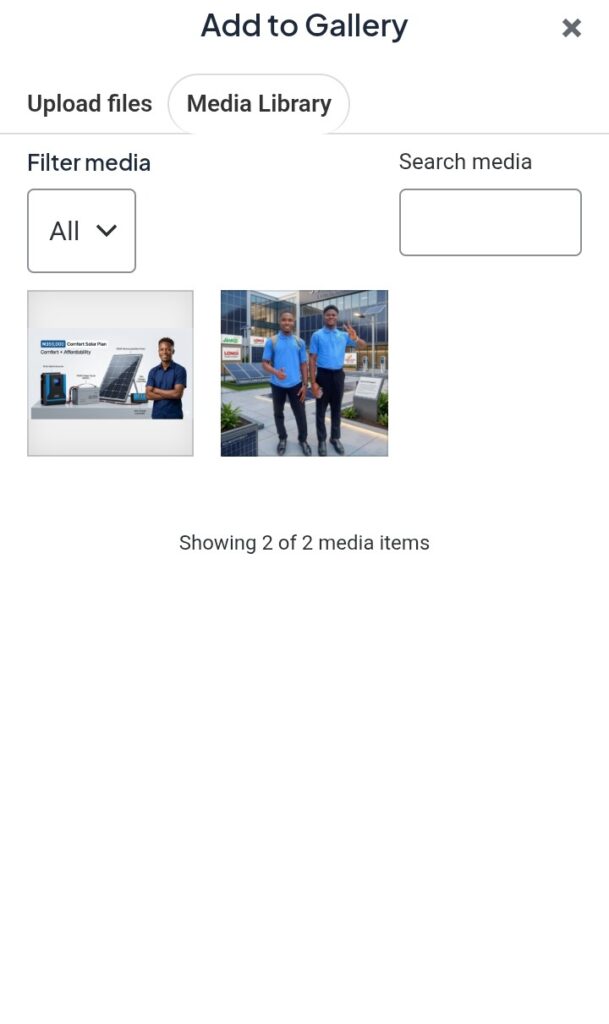
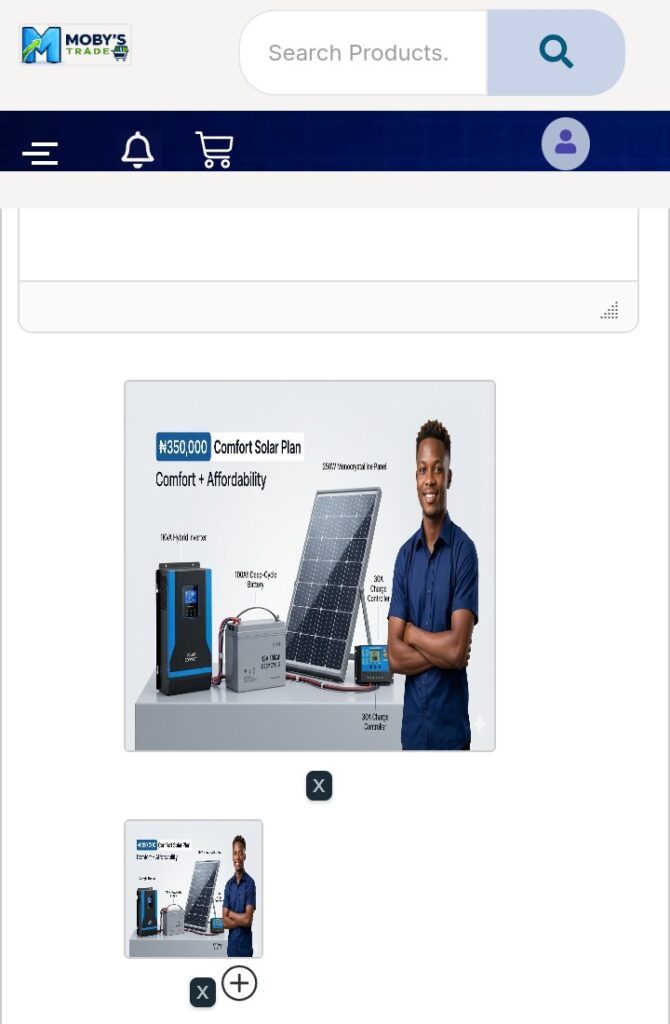
This is one of the most important steps.
If possible:
Show the product in use (real-life setting)
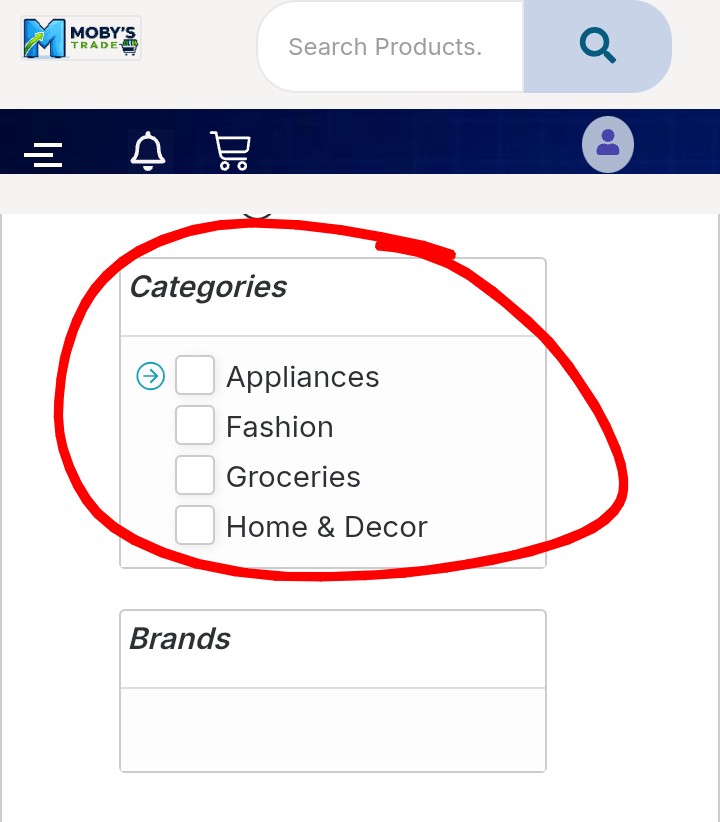
Choose the correct category so buyers can find your product.
Examples:
Add keywords related to your product:
Example tags:
Tags improve search visibility on the platform
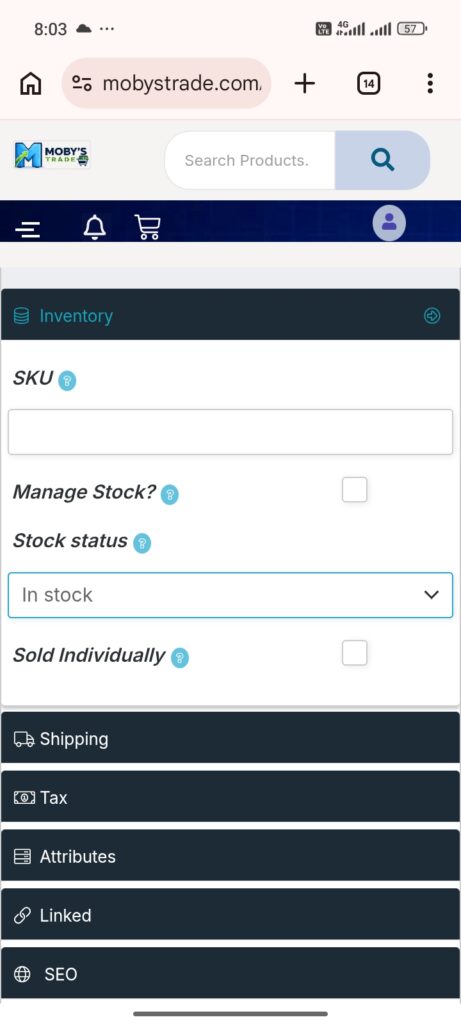
This helps you avoid overselling.
Enable Manage Stock, Enter quantity available
Stock: 10 unit.
Set status:
In Stock/Out of Stock
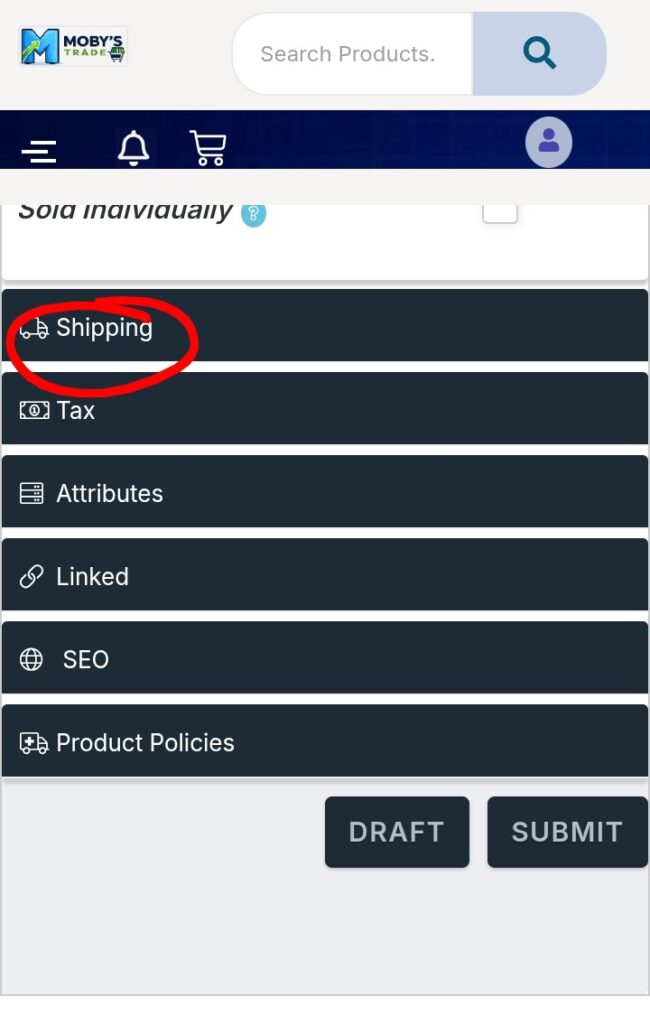
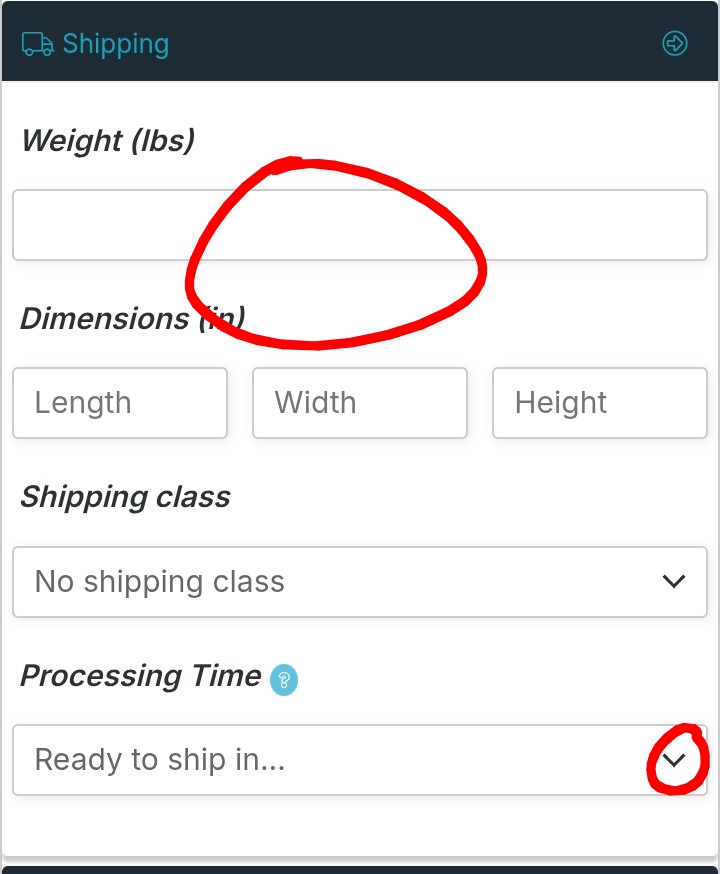
Depending on your system:
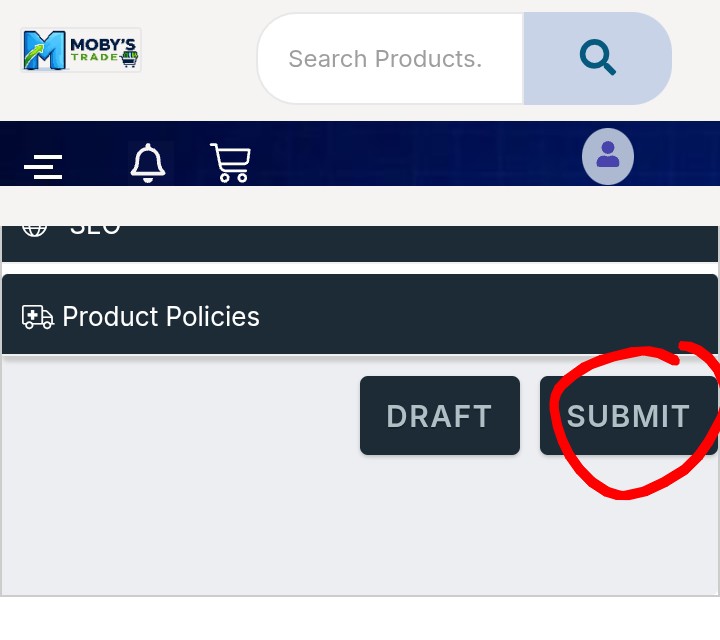
Once everything is filled:
👉 Your product will:
A good product page should have:
✔ Clear product name
✔ Strong description
✔ Clean images
✔ Correct price
✔ Proper category
✔ Complete details
❌ Uploading blurry images
❌ Writing 1-line descriptions
❌ Wrong category selection
❌ No pricing
❌ Ignoring SEO
On Mobystrade, vendors who succeed are not just uploading products — they are:
Think like a customer:
“If I see this product, will I trust it enough to buy?

Shop safely with Mobys Trade in Lagos. Verified sellers, fast local delivery, WhatsApp support, and easy refunds make your online shopping stress free.
Secure payments • Trusted sellers • Easy selling